Open this in the pixkoz appGet the pixkoz app on Google PlayUse the pixkoz app
OpenGetOpen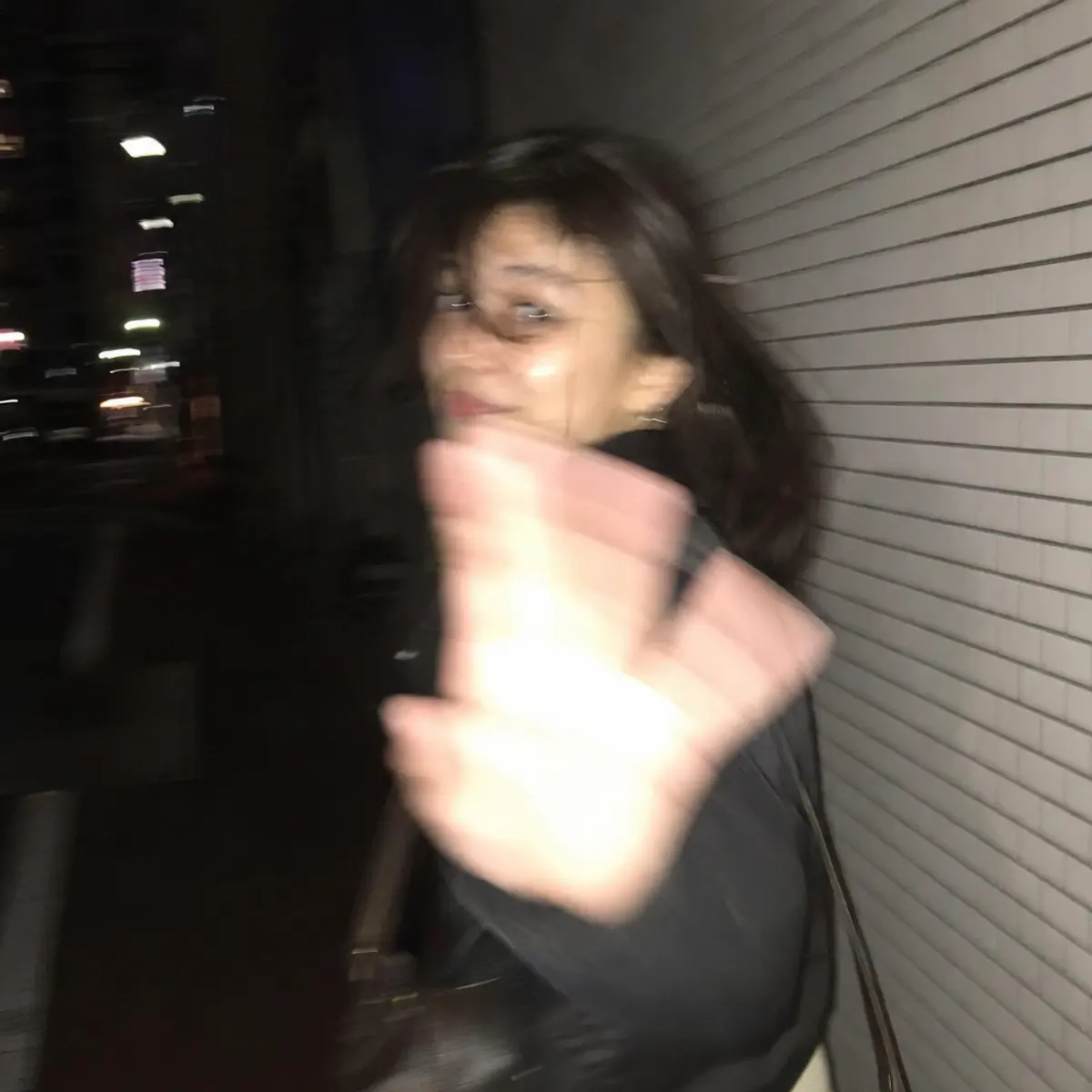
Blur effect
Copy this, then paste it with your photo in Gemini or ChatGPT
ChatGPT opens with your prompt filled in. In Gemini, paste it. Add your photo there and send.ChatGPT opens with your prompt filled in. In Gemini, long-press the box, tap Paste. Add your photo.
Prompt
Needs 1 photo
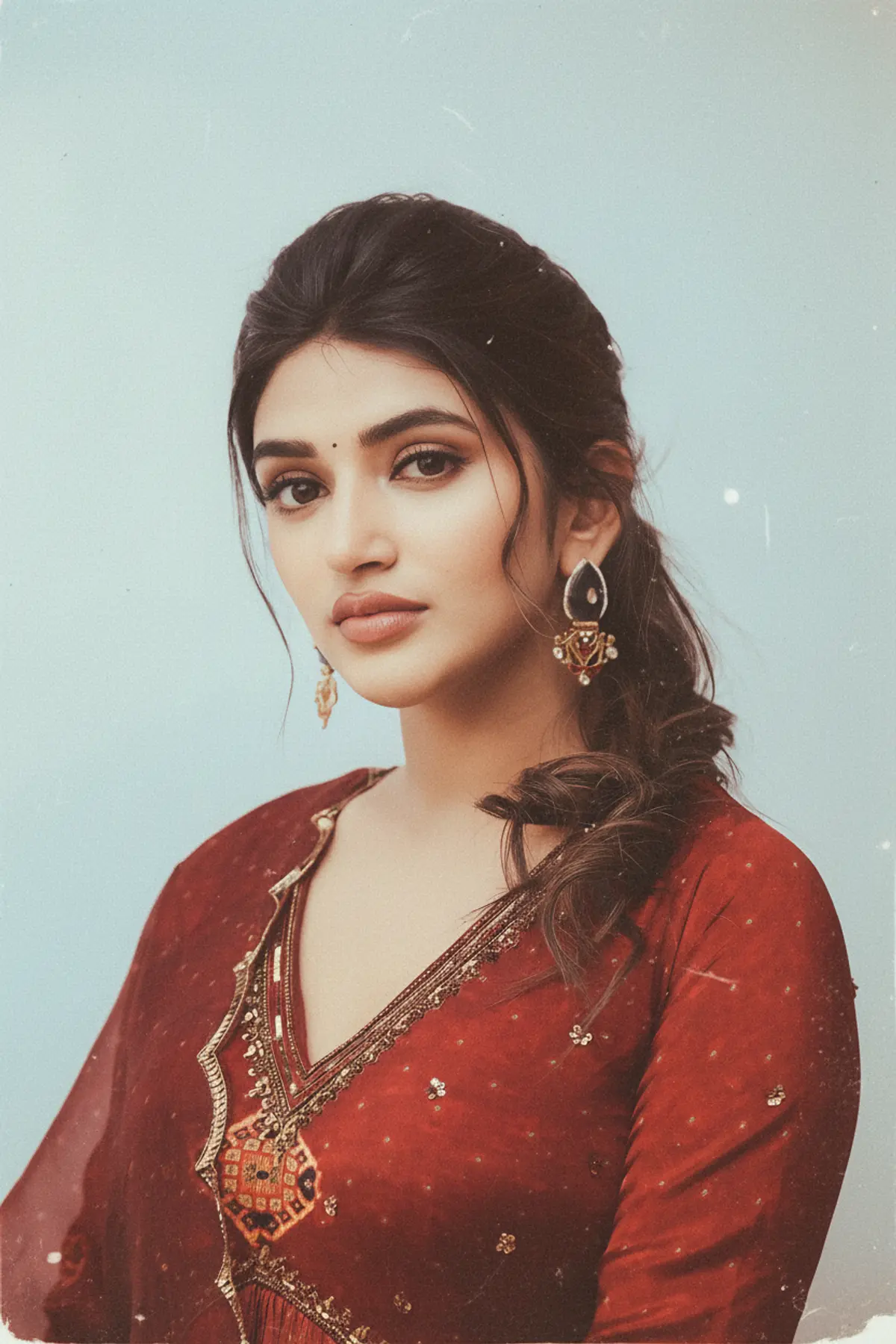
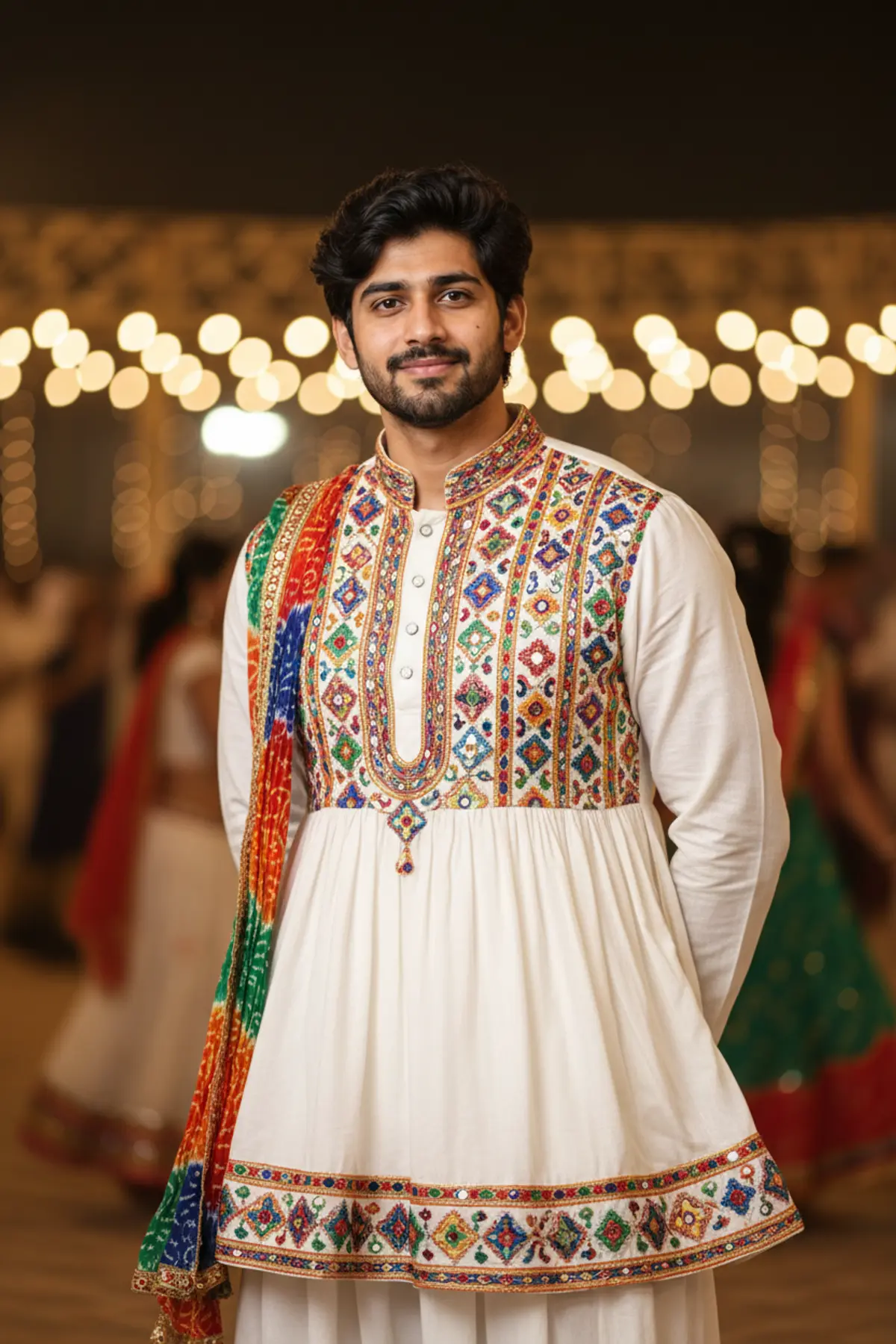
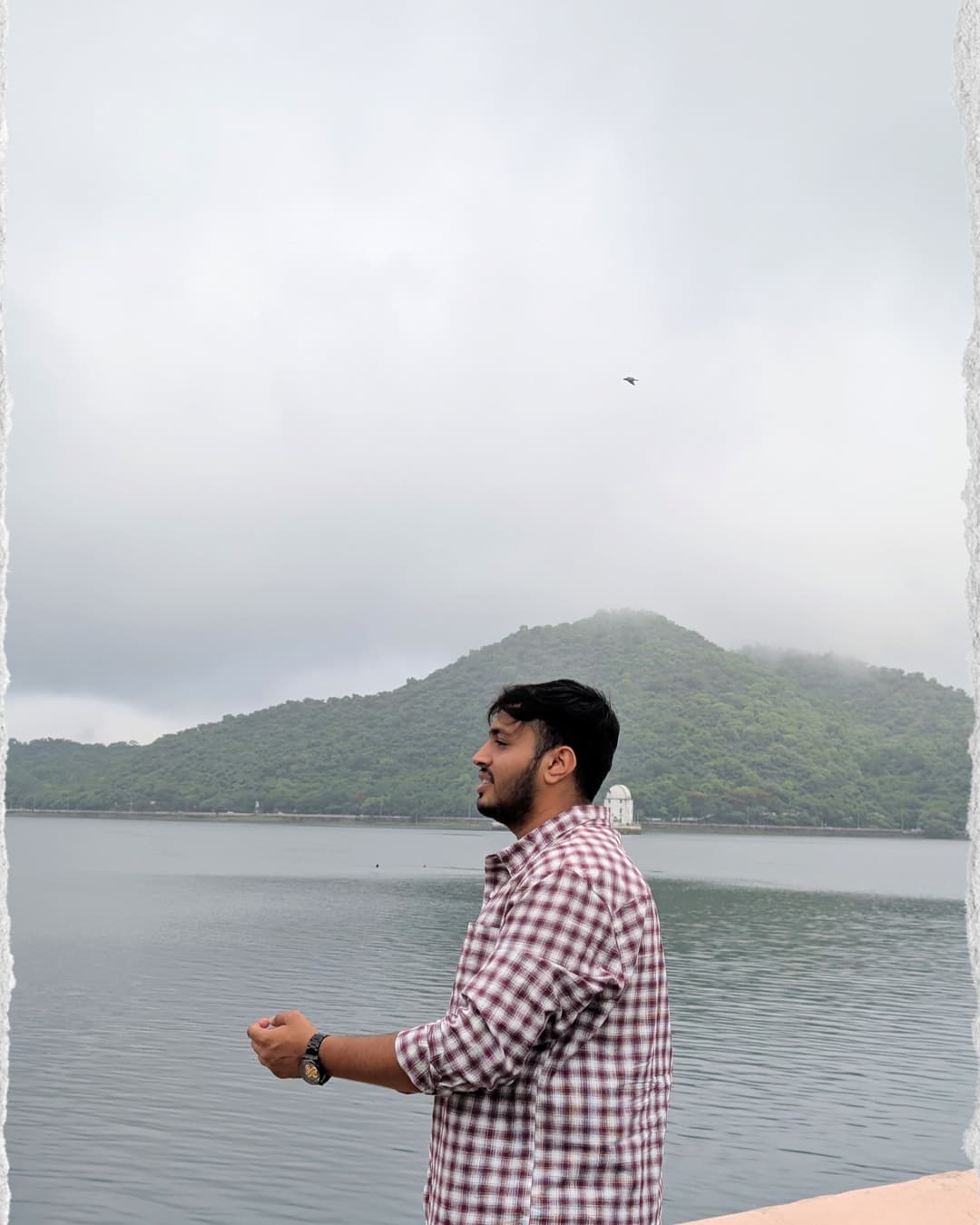
Ultra-realistic candid smartphone photograph, 9:16 vertical. Use the attached image only as a strong visual inspiration for general facial proportions and vibe, while ensuring the generated subject remains fully original, non-identifiable, and not a face copy. Scene Nighttime on a quiet Tokyo city sidewalk beside a building with white ceramic tile walls. The subject is walking past the camera, partially side-on, captured mid-step in a rushed, accidental moment. Poses & Gestures (combined naturally) The subject reacts instinctively to being photographed: turning her head back mid-walk as if surprised, raising one hand close to the lens to partially block the camera, shy, restrained smile forming as she suppresses laughter, body angled in half-profile while continuing to walk forward, motion carries her slightly out of frame, imperfect framing. Expressions are subtle and spontaneous — embarrassed, playful, fleeting — never posed. Camera & Motion Shot on a modern smartphone, handheld, rushed capture. Strong uncontrolled camera shake. Heavy directional motion blur across the raised hand, hair, and face. Facial features appear smeared and streaked by movement, faintly recognizable but distorted. Partial ghosting around the body. Imperfect framing, subject nearly leaving the frame. Lighting Flash-only lighting fired mid-motion. Harsh flash highlights on skin and hand. Deep surrounding darkness. Uneven exposure, blown highlights, hard shadows typical of hurried night phone photography. Background White ceramic tile wall stretches into streaked light bands due to motion blur. Street surroundings fade into darkness with minimal readable detail. Mood Candid, shy, slightly playful. Feels intrusive, raw, imperfect, and authentic - like a fleeting memory accidentally captured and never meant to be perfect. Image Quality Extremely noisy. Heavily blurred. Raw smartphone look. Not cinematic. Not editorial. Not polished. Negative Prompt anime, illustration, painting, stylized, studio lighting, beauty lighting, soft portrait, sharp focus, clean face, perfect anatomy, smooth skin, fashion editorial, posed portrait, cinematic grading, film still, tripod shot, professional photography, identity match, face copy, real person replication.
How to use this prompt
In Gemini
- Tap Copy prompt, or Open in Gemini, which copies it for you.
- In Gemini, add your photo with the + button.
- Paste the prompt into the message box and send.
In ChatGPT
- Tap Open in ChatGPT: it opens with the prompt filled in (it is copied too, in case you need to paste it).
- Attach your photo with the + button.
- Send, and wait for your picture.
Gemini se kaise banaye: photo upload karo, prompt paste karo, send dabao.
Questions people ask
Is this prompt free?
Yes. Copy it and use it in Gemini, ChatGPT or another AI photo app as often as you like. You don't need a pixkoz account to copy it.
Will it work on my photo?
It works best with a clear, front-facing photo in good light, with the face fully visible. AI results vary from one try to the next: if a detail is off, try again.
Gemini or ChatGPT: which is better for this?
Both can use it. The examples on this page were made with OpenAI: GPT-5.4 Image 2, the model behind ChatGPT's images, so ChatGPT comes closest to them; Gemini gives its own take on the same prompt.
What happens to my photo?
When you use the prompt in Gemini or ChatGPT, your photo goes to that app, not to pixkoz, and that app's own privacy terms apply.